Troubleshooting Common Pinball Machine Problems and How to Fix Them
Keep Your Game Running Smoothly with Essential DIY Fixes
Pinball machines are marvels of mechanical, electrical, and electronic engineering. This complexity is part of their charm, but it also means that over time, even the most well-maintained unit can develop minor issues. Understanding common pinball machine problems—and knowing how to fix them—is key to uninterrupted fun and protecting your investment.
At DMV Pinballs, we provide expert sales and service, but we also empower enthusiasts with the knowledge to handle quick fixes themselves. Here is a step-by-step guide to troubleshooting the most frequent hiccups in your game.
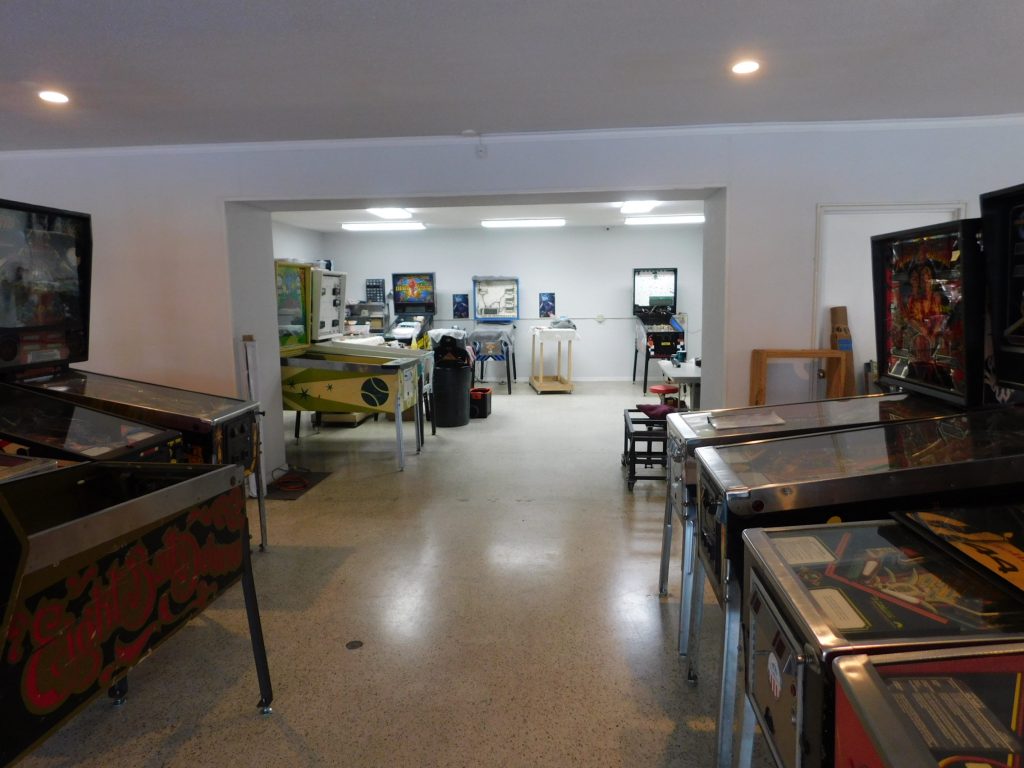
1. The Machine Won’t Power On (Dead Machine)
Nothing is more frustrating than a totally dark machine. Before panicking, check the basics:
- Check the Power: Ensure the power cord is firmly seated in both the wall outlet and the backbox/cabinet.
- Inspect Fuses: Blown fuses are the single most common culprit. Locate the fuse block (usually near the power cord entrance) and inspect the glass fuses. If the metal filament inside is broken or charred, replace the fuse with a new one of the exact same type and amperage. Replacing fuses is a simple fix that often gets your pinball machine back into action.
2. Stuck or Unresponsive Flippers
Flippers are the heart of the game, and when they fail, the fun stops. This is usually a mechanical issue:
- Dirt and Debris: The flipper mechanism contains complex moving parts. Dirt buildup or dust can create friction. Gently clean the linkages and check for foreign objects (like broken plastic pieces).
- Worn Coils/Solenoids: If the flipper feels weak or is completely unresponsive, the issue might be a worn-out flipper coil or a broken wire in the mechanism. Replacing flipper coils restores power and responsiveness.
- Dirty Buttons: Check the leaf or microswitches behind the flipper buttons. Dirt or corrosion can prevent the signal from reaching the coil. A quick clean with an electronic contact cleaner often restores function.
If you suspect a complex electrical failure, don’t hesitate to book one of our certified technicians for on-site pinball machine home service.
3. Scoring Errors and Target Issues
Targets not registering hits, bumpers not firing, or the score staying stuck are common problems related to switches and sensors:
- Dirty or Misaligned Switches: Underneath most playfield targets are leaf switches or optical sensors. If these contacts are dirty, they won’t register the ball hit. Carefully use a contact cleaner (for leaf switches) or a soft cloth (for optical sensors) to clean them. Ensure the leaf switches are properly aligned to close when the target is hit.
- Broken Wires: Check for broken or disconnected wires leading to the faulty switch or target. These often occur at solder points due to repeated vibration and may require careful re-soldering.
4. Lighting Problems (Flickering or Dead Bulbs)
If your arcade pinball games suddenly lose their sparkle, the issue is usually straightforward:
- Burnt-Out Bulbs/LEDs: This is the easiest fix. Identify the correct replacement bulb (LED or incandescent) and swap it out.
- Corrosion or Loose Sockets: If the new bulb still doesn’t light, the socket itself might be the problem. Inspect the lamp socket for rust or corrosion. Gently clean the internal contacts to ensure a solid connection.
- Fuses/Circuit Board: If an entire string or section of lights is out, the problem is likely related to a fuse or a transistor on the lamp driver board. This usually requires a professional diagnosis.
The Best Fix is Prevention
The best way to avoid these headaches is through proactive maintenance. Regular playfield cleaning, waxing, and replacing worn rubber rings minimizes friction and stress on mechanical components. For a huge selection of fully serviced pinball machines and reliable parts, always visit dmvpinballs.shop. A well-maintained machine is a happy machine!
Frequently Asked Questions (FAQ)
Q: Can I use WD-40 on my pinball machine parts?
A: No! WD-40 is a poor choice for pinball machines. It leaves an oily residue that attracts dirt and dust, turning clean mechanisms into sticky messes. Use dry lubricants or specialized pinball coil sleeve lubricant for metal moving parts.
Q: How do I know if a fuse is blown?
A: If the fuse is glass, you can visually check the thin metal filament inside; if it’s broken or cloudy/blackened, it’s blown. For absolute certainty, use a multimeter to check for continuity across the fuse. Always replace it with a fuse of the exact same ampere rating (e.g., F1A).
Q: My ball gets stuck in the same place every time. What should I do?
A: First, clean the playfield thoroughly, especially that area. If the problem persists, check the level of your machine using a bubble level on the playfield. An unlevel machine can cause the ball to drift or stick in dips.
Q: When should I call a professional technician?
A: If your issue involves circuit board diagnostics, complex wire harness issues, or coil failures after fuse replacement, it’s time to call in the experts. Faulty component replacement and board repair are best left to a professional technician to avoid serious damage.